




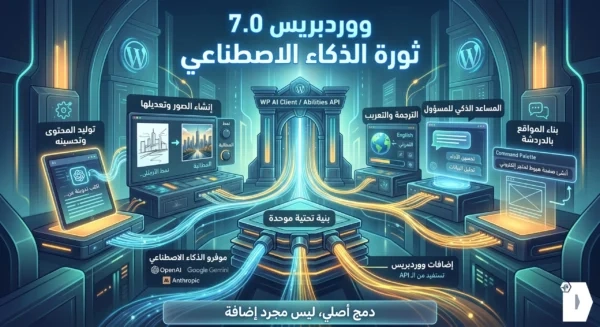
Are you ready for a radical shift in how you manage your website? On May 20, 2026, WordPress is releasing one of the most significant updates in its entire history: WordPress 7.0. This release isn’t just another round of performance tweaks — it’s a fundamental redefinition of the world’s most popular CMS, baking Real-Time Collaboration (RTC) and Artificial Intelligence directly into the core.
In this comprehensive, image-supported guide, we’ll walk you through everything the new version brings to the table, and exactly how to take advantage of it — step by step.
How to Try WordPress 7.0 Right Now (Before the Official Release)
There are three ways to test the beta version before the final release. Pick whichever suits you best:
1. WordPress Playground – The Easiest, No Installation Required
The simplest method by far. No hosting, no downloads — just open the link and start experimenting directly in your browser: 🔗 https://playground.wordpress.net/
2. WordPress Beta Tester – Maximum Control
This method gives you a real, fully functional testing environment. However, we strongly advise against running it on a live production site. Here’s how:
- Create a test site on a separate subdomain and install WordPress on it.
- Install and activate the WordPress Beta Tester plugin.
- Navigate to: Tools → Beta Testing.
- Select Bleeding Edge, then Beta/RC Only, and save.
- Head to the Updates page and update to the latest version.
3. Direct Download from WordPress.org
The beta release is available for direct download from the official announcement page: 🔗 https://wordpress.org/wordpress-7.0-RC2.zip
1. Real-Time Collaboration (RTC) – Live, Shared Editing
This is the single biggest change in WordPress 7.0. Multiple authors can now edit the same post or page simultaneously, with edits appearing live and the ability to leave inline notes on specific paragraphs. The editor has officially transformed from a solo writing tool into a collaborative workspace — much like Google Docs.
How to Enable Real-Time Collaboration
From the dashboard: Settings → Writing → enable Collaboration.
What It Looks Like in Practice
- When opening any post, you’ll see a “Currently being edited” indicator with a Join button to enter the shared editing session.
- Other editors’ changes appear live, with a marker showing each user’s cursor position.
- If you run into sync issues, the cause is almost always a plugin incompatible with the new editor architecture.
Inline Notes and Comments on Paragraphs
You can leave a note on a specific paragraph — for yourself or a teammate — and others can reply in a threaded discussion format.
2. Native AI Integration
Artificial Intelligence is now a first-class citizen inside WordPress core, thanks to the new WP AI Client. It lets you connect your site to the most trusted AI platforms, including Anthropic, Google, and OpenAI.
How to Connect AI to Your Site
- Go to: Settings → Connectors.
- Click Install the AI Plugin.
- To add a Google API key, for example, click Install, then click the link: Get your API key at aistudio.google.com
- The API Keys page in Google AI Studio will open. Click Create API Key, create a new project, and name your key.
- Paste the key into WordPress — the connection is established instantly.
Activating AI Features
Once connected, a new AI tab appears in your settings. Enable Enable AI to unlock the full feature set:
Standout AI Features in WordPress
Image Generation and Editing Requires an AI model that supports image generation, such as Google’s Nano Banana in Gemini.
Editor Experiments tab includes:
- Content Classification: Automatically analyzes your content and suggests relevant tags and categories — a huge win for your overall site structure.
- Excerpt Generation: Creates a short descriptive excerpt for archive and category pages (if your theme supports it).
- Alt Text Generation: Using Vision Models, the AI actually “sees” the image and produces accurate alt text — excellent for both SEO and accessibility.
- Meta Description Generation: Generates meta descriptions compatible with popular SEO plugins.
- Review Notes: Analyzes your content paragraph by paragraph, flagging grammar and spelling issues and offering readability improvements.
- Refine from Notes: Pairs with the previous feature — it automatically applies your written notes to improve the text.
- Content Summarization: Condenses long articles into concise summaries.
- Title Generation: Suggests catchy, content-aware titles based on your article and its purpose.
Admin Experiments tab A collection of experimental features for the dashboard itself, designed to streamline site administration through AI.
A Real Example of Refine from Notes
During testing, we asked the AI to rewrite a paragraph titled “A test article to evaluate the sync feature” in a more energetic tone — and the result was a fully reworked paragraph that genuinely matched the instruction.
3. The Command Palette – Navigate at the Speed of Thought
The Command Palette is a smart search and navigation window that takes the dashboard experience to a whole new level. Just press:
- Ctrl + K on Windows and Linux
- ⌘ + K on macOS
- Or click the search icon in the top admin bar
A popup will appear, letting you search and jump to any page, setting, or piece of content on your site with a single keystroke — no more clicking through nested menus.
4. Visual Revisions – A Smarter Way to View History
Reviewing previous versions of your posts is now easier and clearer than ever. You can browse all saved revisions visually, compare them side by side, and see exactly what changed — giving you complete control over your content history.
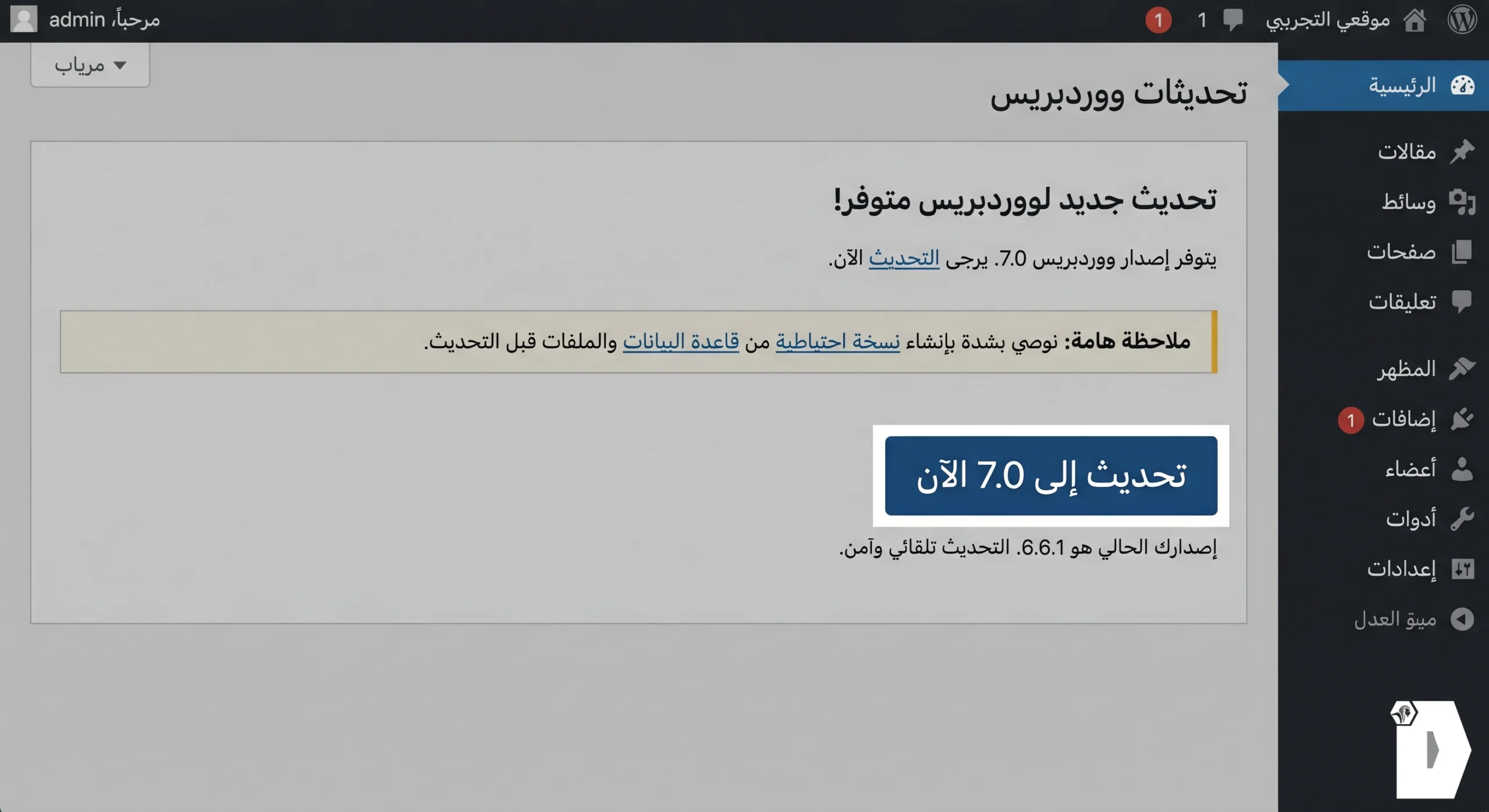
5. View Transitions – App-Like Navigation
The moment you log into the new dashboard, You will immediately notice the smooth transition between pages as if you were dealing with an original mobile application and not a web interface.
No, wait, No visual loading – just a sleek and streamlined user experience.
Abstract: Why is WordPress 7.0 update a turning point?
The WordPress 7.0 update is not just a new version Rather, it is a redefinition of the concept of content management:
- Instant collaboration turns the editor into a group workspace.
- Built-in AI saves hours of manual labor in typing, SEO, and image management.
- The command panel and smooth transitions significantly increase work speed and efficiency.
- Visual reviews give you deeper control over the history of your content.
We advise website owners and digital agencies to try the release on a test environment before the live update To ensure that add-ons and templates are compatible with the new architecture, As the official launch date approaches on May 20, 2026, Early preparation is what separates a site from taking advantage of new features immediately, Another has to fix unexpected malfunctions.

